Almost 3 months I gave a comprehensive explanation of [[4 Notes/Blog Posts/The State of My Second Brain]], or personal knowledge management system (PKM). At the time I was using Notion as the heart of everything, but I quickly ran into some of its limitations shortly after that content went live.
What I found the most frustrating about Notion, was the need for a internet connection to access your entire workspace. This is not new information, it is one of the biggest complaints about the tool, but in my mind I did not think that I would ever run into this, because we live in 2022. I then realized how often I was inside of large auditoriums where I typically like to take notes (ie. Church, conferences, etc.) and there I didn’t have connection to view the entire workspace I had built for over a month. Notion does cache recent and frequent pages that you open, but the whole idea of a PKM is that you can access your whole library, not just what you could access in your first brain (recent and frequent).
This frustration lead me on a search again, and this time I looked for something that had similar functionality as Notion, but it didn’t have to be quite as powerful and all-encompassing. I like the ability to link notes, provide some simple meta-data but I noticed that with Notion I often spent as much time prepping the meta-data as I did entering the information. I then rediscovered Obsidian. I had actually tried out this tool before committing to Notion the first time, but I did not feel that it was powerful enough at the time to provide the organization I was envisioning.
Obsidian at it’s core is a text based tool using the universal formatting known as markdown. I am not the best at markdown, but I had some background in it from my day job so I was lucky to not have to learn the basics, but you can get started here on how to get started. Since the tool is almost completely text based it eliminates the distractions I was creating for myself to format the pages, and make them as visual pleasing as possible. The best part is that it is “almost” all text based. The app has actually been around for quite some time, so there are a ton of community plugins that provide some key functionality like tables, and simple data queries that provide just enough functionality for me to jump all in.
Here are the top X things I enjoy that convinced me to switch to obsidian for the long haul
- All data is locally accessible on any device with the app
- sync for me happens through iCloud drive, and since it is all text based I can stay on the base storage plan
- I currently have it syncing onto my phone, personal mac laptop, iPad, and work windows PC
- sync for me happens through iCloud drive, and since it is all text based I can stay on the base storage plan
- Tagging is easy
- tagging can happen anywhere within the file, and not just at the top to be queryable
- Intuitive keyboard shortcuts
- Fast, Fast, Fast
- Mainly because everything is local, files load instantly
- Graph View
- There is definitely a use case for thought linking via graph view, but I just have not used the tool long enough to see those benefits. However it does look cool though
!
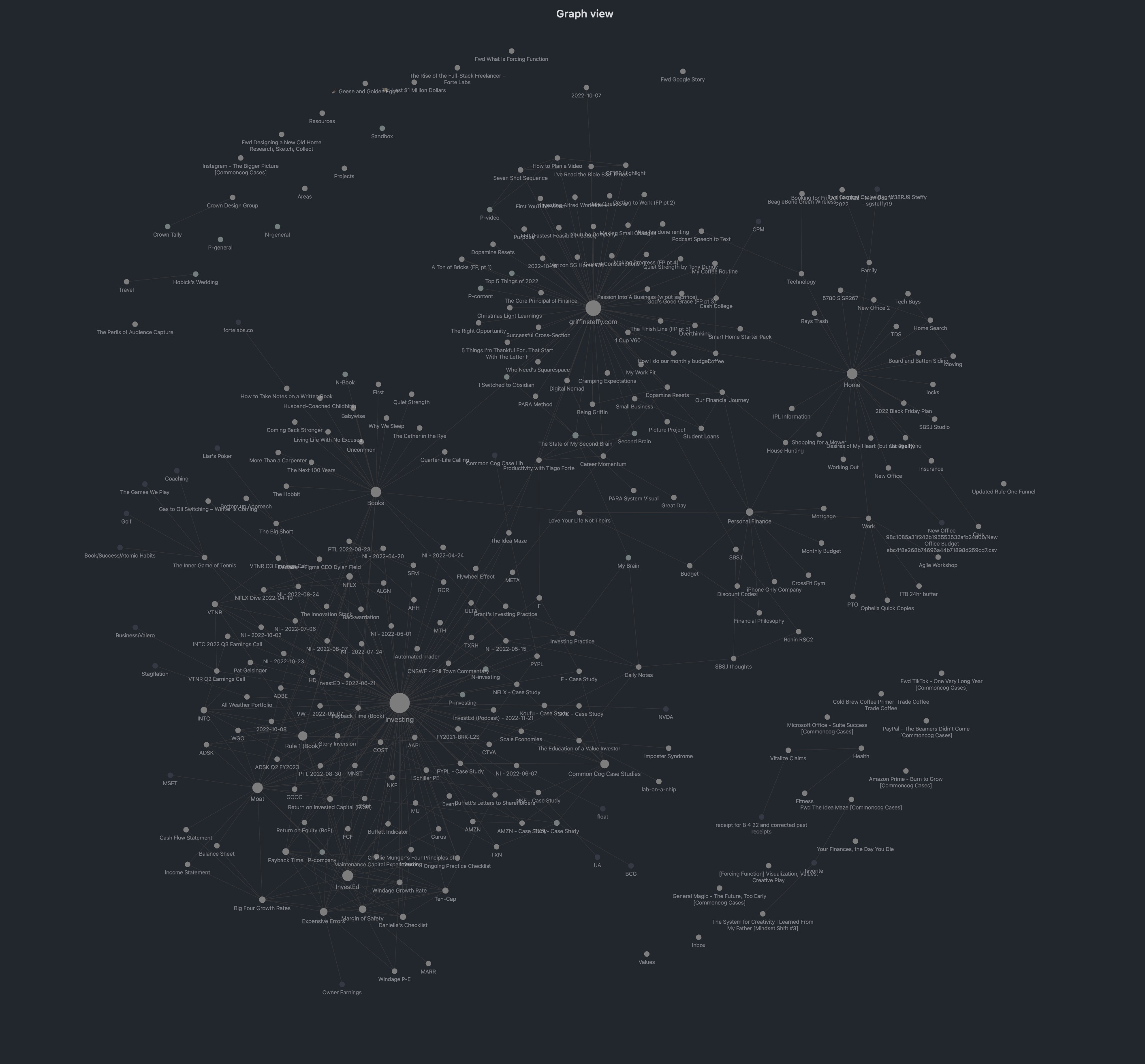
- There is definitely a use case for thought linking via graph view, but I just have not used the tool long enough to see those benefits. However it does look cool though
!
- Community Plug-ins
- At its core it is no more than a fancy text editor, but with some community plug-ins and the continued updates the developers keep putting Obsidian is a full fledged PKM tool.
I cannot promise that I’ll use Obsidian forever, however it is the longest I have used a single note taking app consistently. In fact over half of the content I have put up so far has been planned out using Obsidian!